> ## Documentation Index
> Fetch the complete documentation index at: https://docs.affinda.com/llms.txt
> Use this file to discover all available pages before exploring further.
# Extract checkbox selections from forms
> Capture selected and unselected options from forms with checkbox fields in Affinda, including configuration options for grouped and individual checkboxes.
Checkbox extraction in Affinda allows you to extract important information on forms, contracts, and other structured documents where selections or options are indicated using checkboxes.
Affinda supports 2 types of Checkbox Extraction:
Use this when one or more options can be ticked, returning the label (text) of each checked box for the relevant category.
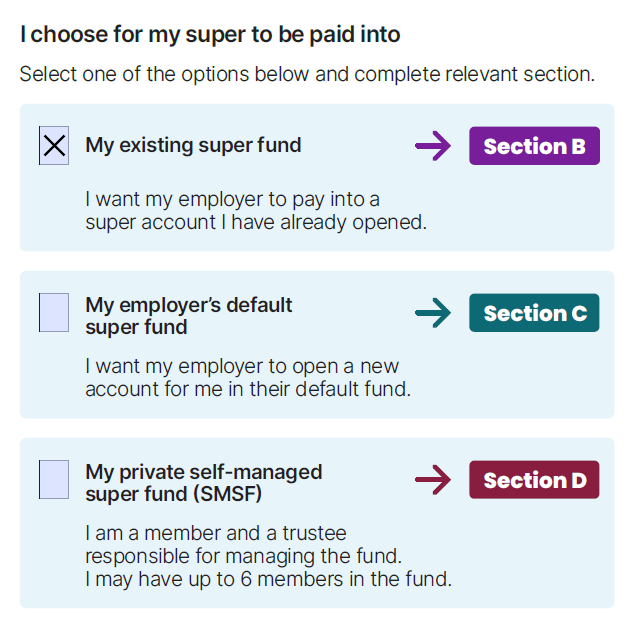 Use this when there is a single checkbox, returning True if it is checked and False if it is not. This field type will not have a 'rectangle' on the document.
 ### When adding checkboxes as a new field, existing documents will need to be reparsed for the model to identify the ticked checkbox on the document.