> ## Documentation Index
> Fetch the complete documentation index at: https://docs.affinda.com/llms.txt
> Use this file to discover all available pages before exploring further.
# Upload documents via email
> Configure a dedicated inbox to upload documents to Affinda via email, including handling attachments, sender allowlists, and routing to document types.
Uploading documents via email is a convenient solution for those who want to set up automated document ingestion without building an integration. It allows the data extraction process to fit seamlessly into existing workflows.
The process is simple; all customers need to do is attach their documents to an email and send them to a specific email address provided by us. Our system will automatically extract the attachments and apply our AI models to process them accordingly.
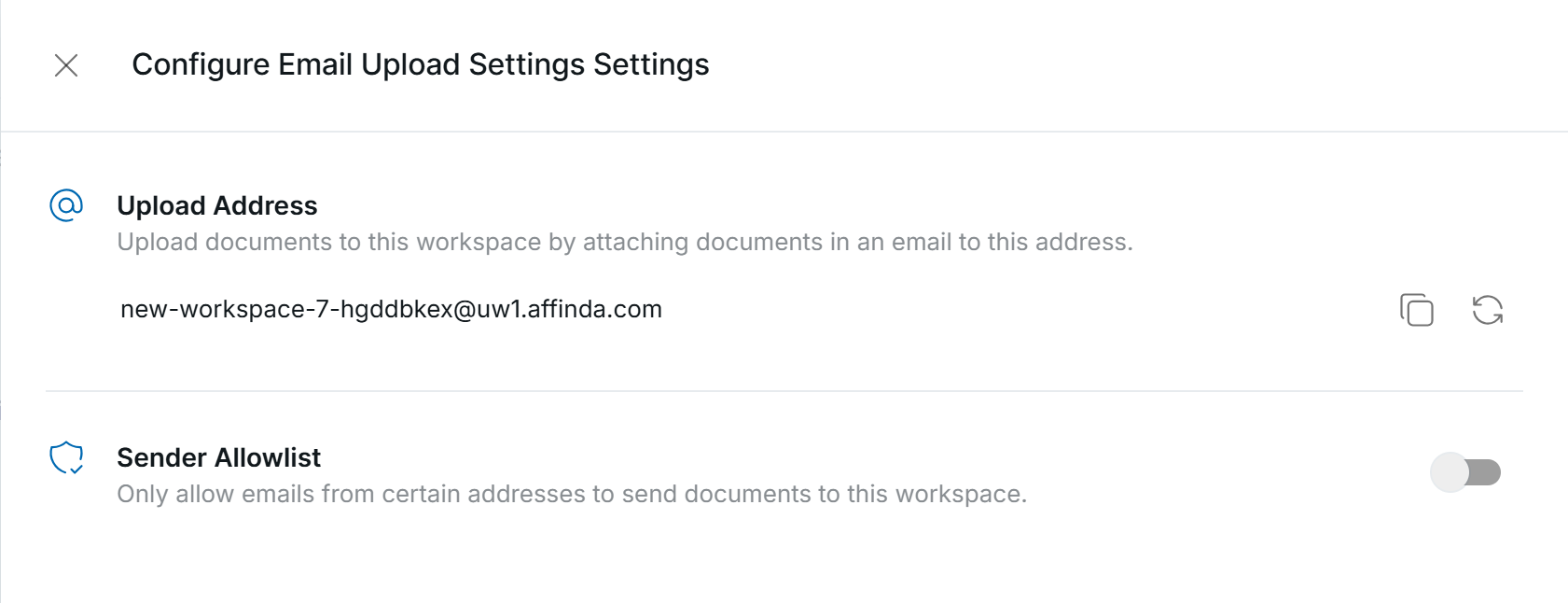
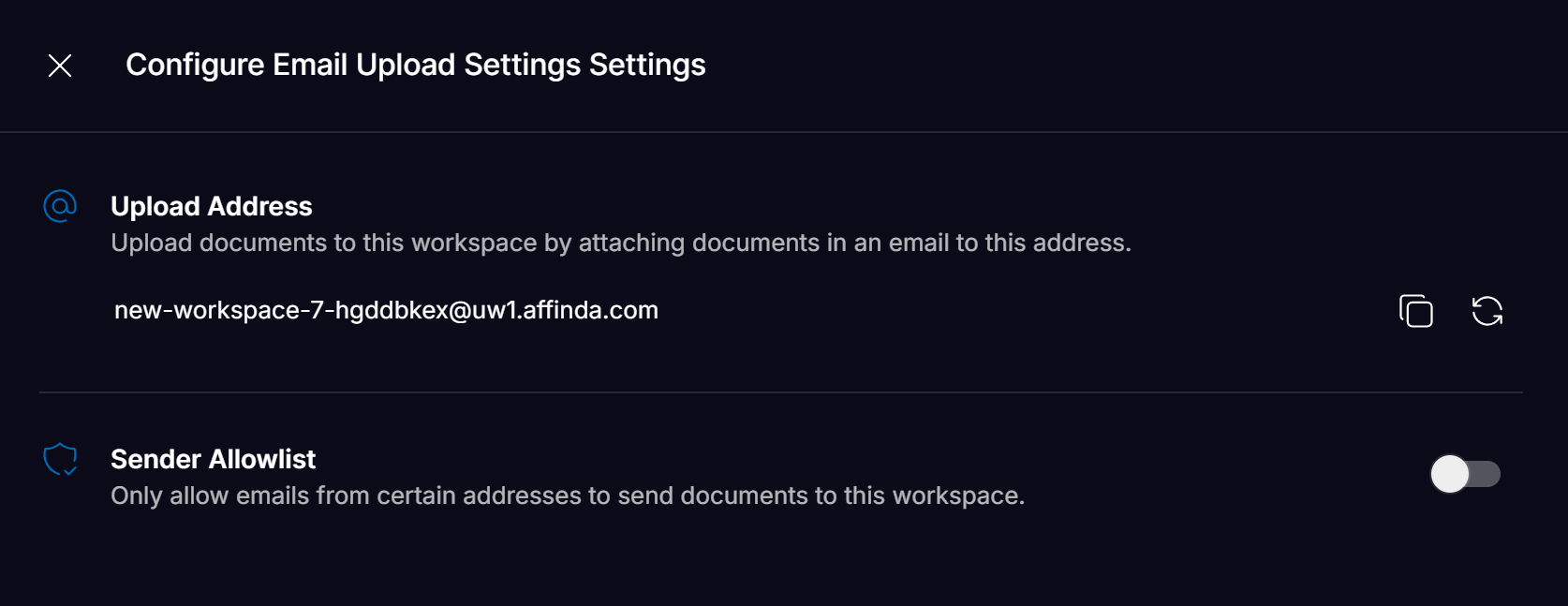 Email addresses to use for uploading documents can be found in the **Workspace Settings.**
* Each Workspace will have a **unique** email address associated with it
* Email addresses can be refreshed for security reasons by pressing the refresh icon
* The API response will include the email address from which the document was received from
* An allowlist can be configured so that only documents from approved email addresses/domains are processed
### Upload limit of 10 attachments per email
Any emails sent with more than 10 attachments will not be processed by Affinda
Email addresses to use for uploading documents can be found in the **Workspace Settings.**
* Each Workspace will have a **unique** email address associated with it
* Email addresses can be refreshed for security reasons by pressing the refresh icon
* The API response will include the email address from which the document was received from
* An allowlist can be configured so that only documents from approved email addresses/domains are processed
### Upload limit of 10 attachments per email
Any emails sent with more than 10 attachments will not be processed by Affinda