> ## Documentation Index
> Fetch the complete documentation index at: https://docs.affinda.com/llms.txt
> Use this file to discover all available pages before exploring further.
# Best practices for running Affinda in production
> Recommended workspace architecture and change management practices for teams moving from build to production on the Affinda platform.
## Purpose
This guide covers the recommended setup for teams moving from build to production on the Affinda platform - how to structure workspaces, manage [model memory](/configuration/model-memory), and handle changes safely without disrupting live processing.
These are recommendations, not hard requirements. Adapt the structure to fit your team size, governance model, and rollout cadence.
## Recommended workspace structure
We recommend separating your organization into three workspaces, each with a clear purpose. Keeping them separate makes it easy to control access, isolate change, and keep production predictable.
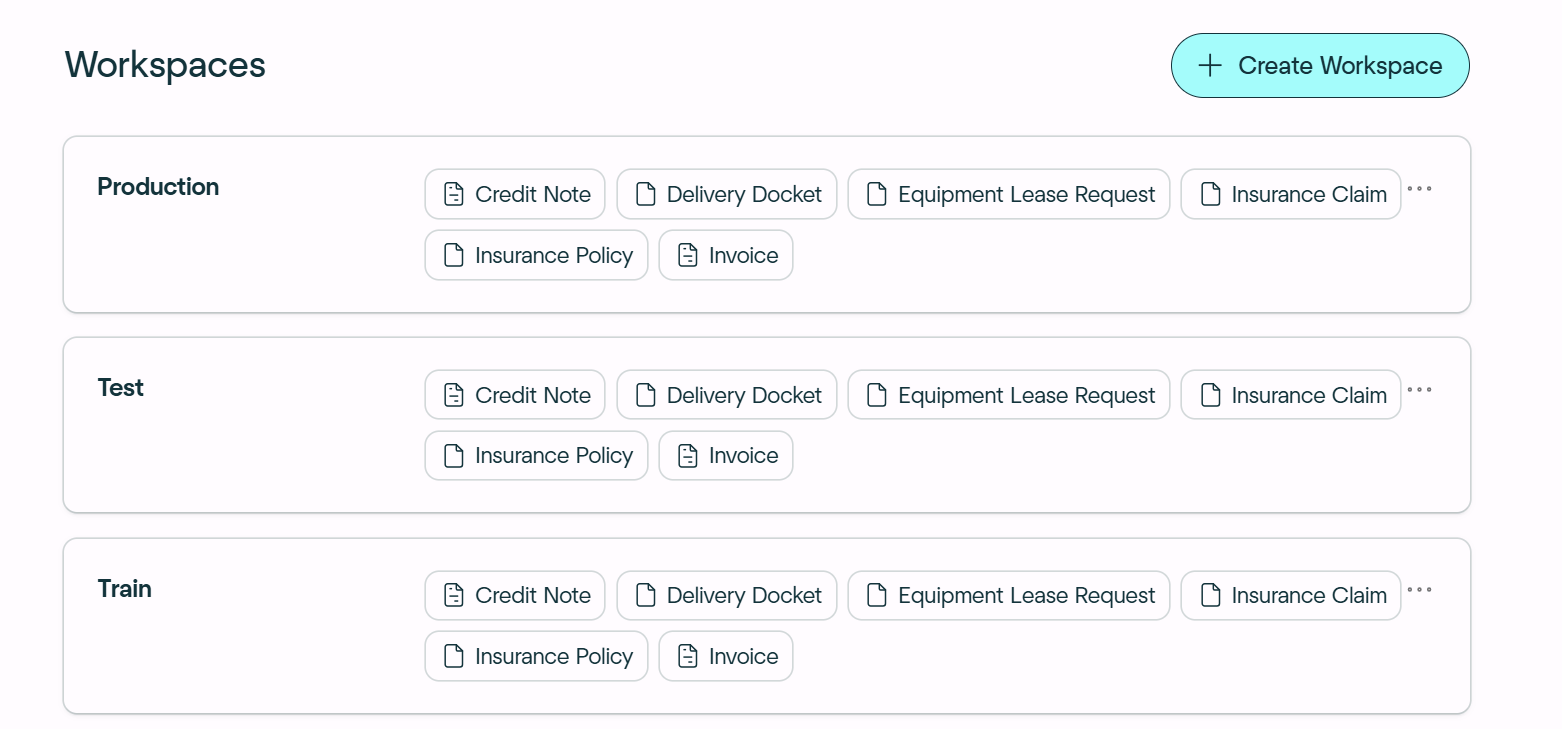
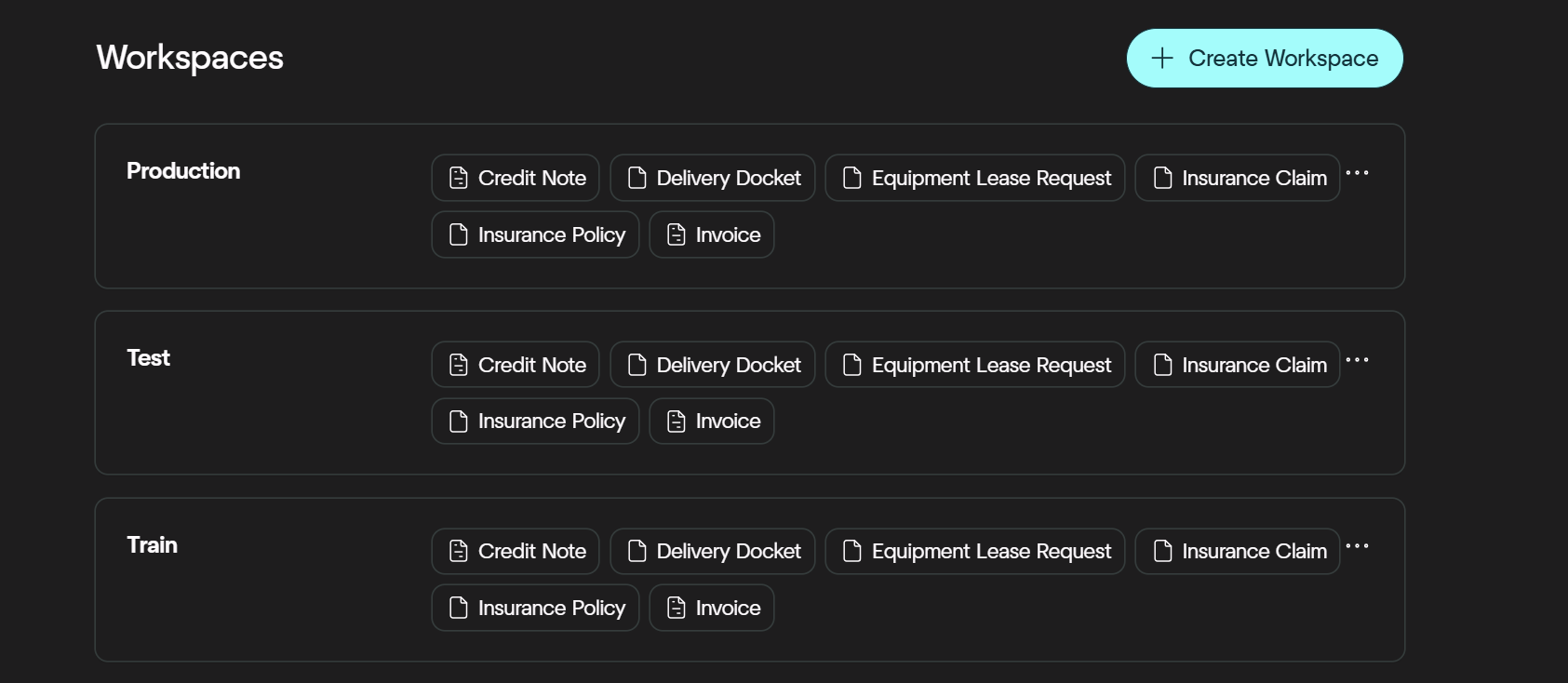 The source of truth for what the model has learned. All [model memory](/configuration/model-memory) documents live here.
* All confirmed model memory documents stored here
* Annotations updated here when fields or behavior change
* New document variations added here first
* Access restricted to configuration owners
A staging environment for validating changes before they reach production. Also used for UAT.
* Document types configured in Training are linked here
* Integration testing space
* No independent model memory; inherits the Model memory that lives in Train config
* Safe to experiment and break things here
Live document processing only. No training activity happens here.
* Model memory toggle turned off
* Document types promoted here only after testing
* All documents processed via API from here
* No direct schema edits — go through Training first
**Access control:** keeping workspaces separate lets you control who sees what. Only configuration owners need access to Training. Your operations team works in Production. Dev/Test is for internal QA and integration testing.
Use **"Duplicate Document type"** to easily set up Test and Production workspaces from your Training workspace.
## Making changes whilst in production
Once your workflow is live in production, you may still need to update your document types or workflow settings from time to time. Identify the type of change you want to make, then follow the recommended approach below.
### Scenario A — New document variation
The model hasn't seen this variation before, or is handling it poorly.
**Approach:** Add to model memory → Training
Upload the new variation to the Training workspace.
Annotate all fields correctly and confirm the document as model memory.
Performance improves in production automatically — no deployment step required.
### Scenario B — Small schema change
Adding or tweaking one or two simple fields.
**Approach:** Edit in place → Training
Edit the schema directly in the Training workspace.
Re-predict the new or changed field on the model memory document, then reconfirm it.
Changes take effect in production straight away.
**Check first:** confirm that the change won't break or affect any downstream integrations before proceeding.
### Scenario C — Significant schema change
Groups, nesting, structural changes, or anything that requires integration retesting.
**Approach:** Duplicate → Dev/Test → Production
Leave the existing production document type in place while you build the new version.
Duplicate the document type in Training and make all changes on the new duplicate.
Re-upload, re-annotate, and confirm all model memory documents on the new duplicate.
Link the duplicate to the Dev/Test workspace to test the integration flow and make adjustments.
Validate the full API payload end-to-end against the new schema.
Once sign-off is complete, unlink the old version from production and link the new one.
The source of truth for what the model has learned. All [model memory](/configuration/model-memory) documents live here.
* All confirmed model memory documents stored here
* Annotations updated here when fields or behavior change
* New document variations added here first
* Access restricted to configuration owners
A staging environment for validating changes before they reach production. Also used for UAT.
* Document types configured in Training are linked here
* Integration testing space
* No independent model memory; inherits the Model memory that lives in Train config
* Safe to experiment and break things here
Live document processing only. No training activity happens here.
* Model memory toggle turned off
* Document types promoted here only after testing
* All documents processed via API from here
* No direct schema edits — go through Training first
**Access control:** keeping workspaces separate lets you control who sees what. Only configuration owners need access to Training. Your operations team works in Production. Dev/Test is for internal QA and integration testing.
Use **"Duplicate Document type"** to easily set up Test and Production workspaces from your Training workspace.
## Making changes whilst in production
Once your workflow is live in production, you may still need to update your document types or workflow settings from time to time. Identify the type of change you want to make, then follow the recommended approach below.
### Scenario A — New document variation
The model hasn't seen this variation before, or is handling it poorly.
**Approach:** Add to model memory → Training
Upload the new variation to the Training workspace.
Annotate all fields correctly and confirm the document as model memory.
Performance improves in production automatically — no deployment step required.
### Scenario B — Small schema change
Adding or tweaking one or two simple fields.
**Approach:** Edit in place → Training
Edit the schema directly in the Training workspace.
Re-predict the new or changed field on the model memory document, then reconfirm it.
Changes take effect in production straight away.
**Check first:** confirm that the change won't break or affect any downstream integrations before proceeding.
### Scenario C — Significant schema change
Groups, nesting, structural changes, or anything that requires integration retesting.
**Approach:** Duplicate → Dev/Test → Production
Leave the existing production document type in place while you build the new version.
Duplicate the document type in Training and make all changes on the new duplicate.
Re-upload, re-annotate, and confirm all model memory documents on the new duplicate.
Link the duplicate to the Dev/Test workspace to test the integration flow and make adjustments.
Validate the full API payload end-to-end against the new schema.
Once sign-off is complete, unlink the old version from production and link the new one.